

Trade Anywhere. Access Instantly.
Click the launch buttons below to access your SEBI Research via dashboard on Android, iOS, or web.
Android Application
Official Google Play Client
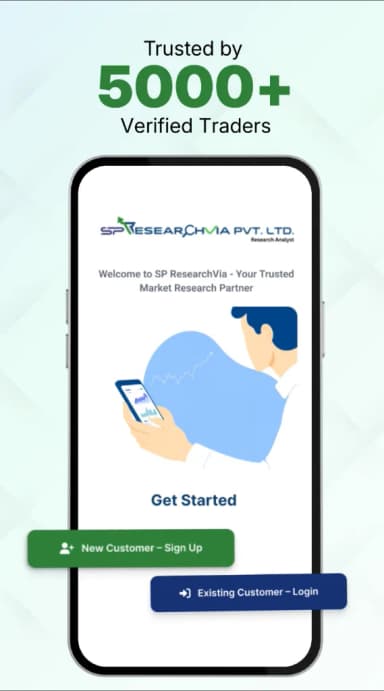
Installation & Onboarding Process
Visit Google Play Store
Click the button to open the official SP Researchvia listing in the Google Play Store.
Install Securely
Tap 'Install' to securely download the verified application onto your Android device.
Login & Activate
Launch the app, authenticate using your SEBI-registered credentials, and enable notifications for instant signals.
Official Android App Release
iOS Application
Official Apple App Store Client
Installation & Onboarding Process
Open iOS App Store
Click the download button to go straight to the SP Researchvia App Store page.
Biometric Installation
Tap 'Get' and authenticate with Face ID, Touch ID, or your Apple ID passcode to install.
Secure Synchronization
Launch the application, enter your SEBI-registered credentials, and synchronize push notification preferences.
Official iPhone App Release
Web Platform Portal
High-Performance Web Console

Installation & Onboarding Process
Open Platform Console
Click 'Launch Web Portal' to access the secure live login console.
2-Factor Verification
Sign in using your SEBI-registered Phone Number / Client ID and authenticate with the secure OTP.
Interactive Workspace
Gain immediate access to high-performance real-time analytics, daily strategies, and advisor logs.
Instant Browser Access
Encrypted System Authentication
Our Android, iOS, and Web platforms communicate using military-grade SSL AES-256 bit encryption protocols. Mobile push notifications, advisory logs, and portfolio data sync automatically across your active terminals. Standard SEBI disclosure documents are stored locally for immediate reference.